
CYANOTYPE
BLUEPRINT DESKTOP
Background
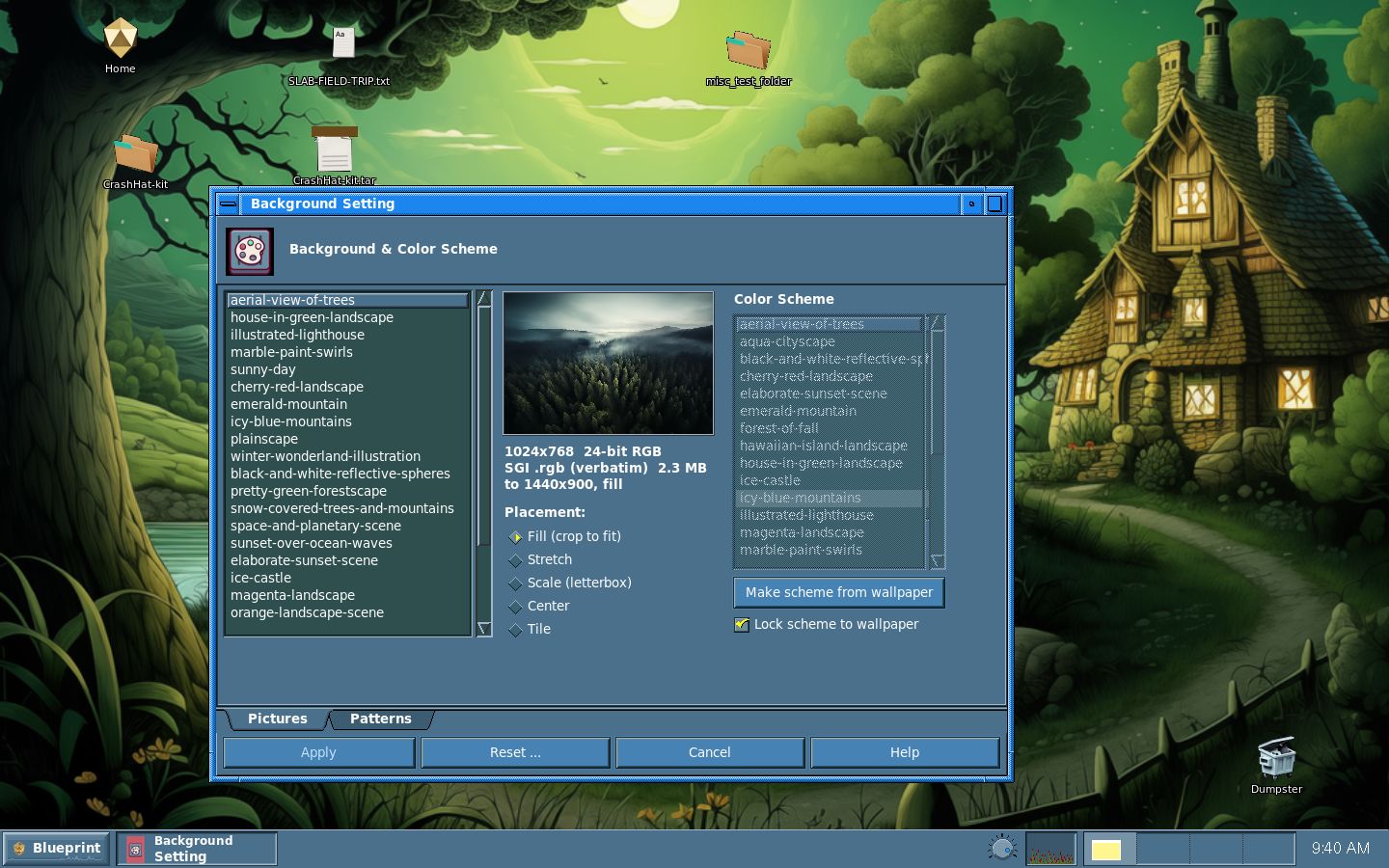
CyWall is the background panel, and it is the counterpart of the IRIX Background Setting and Color Scheme tools. The extended face puts a wallpaper browser and a color-scheme picker side by side, with a lock so the scheme follows the picture you pick. The canonical faces split those two jobs into separate panels, for people who want the original layout.
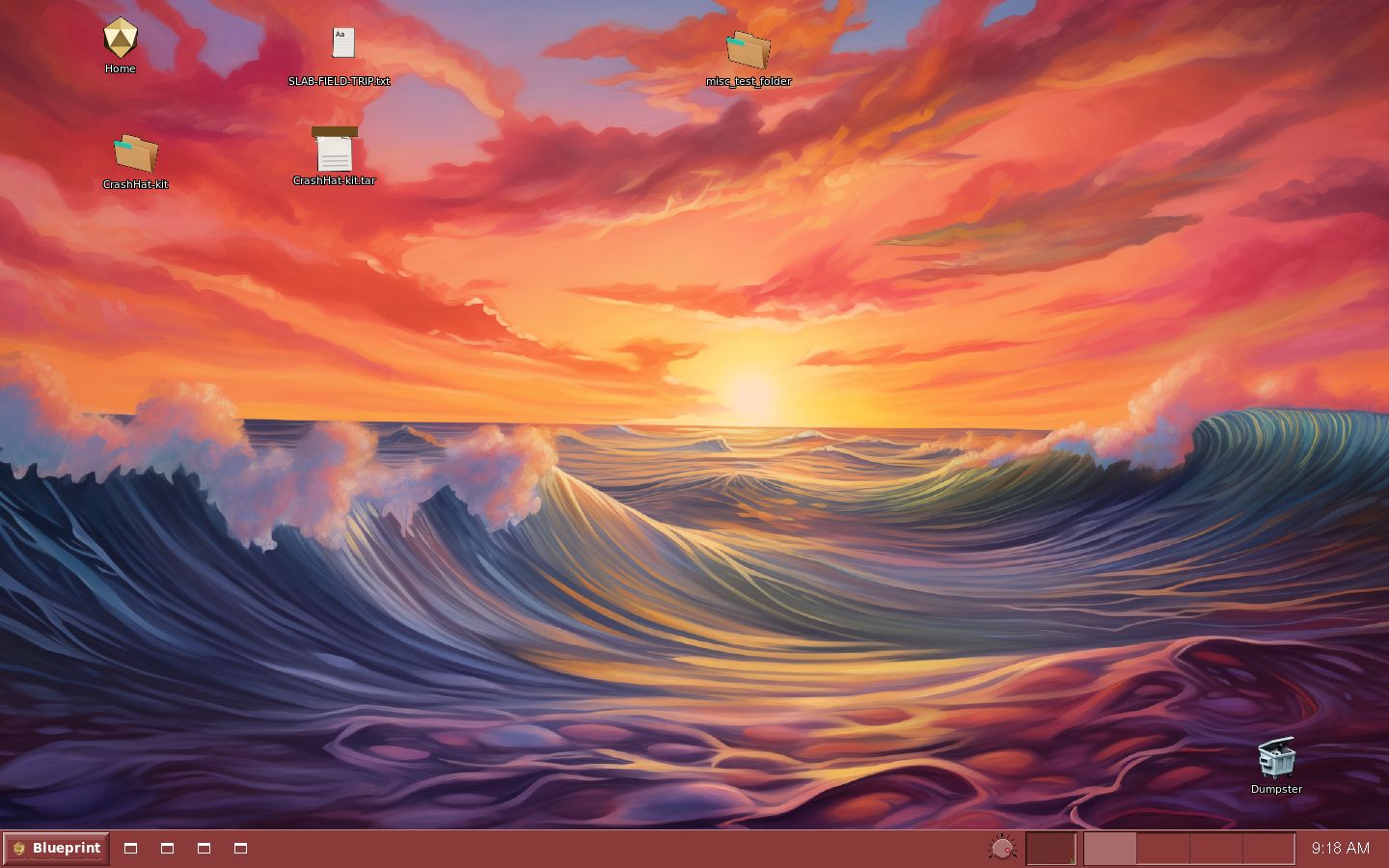
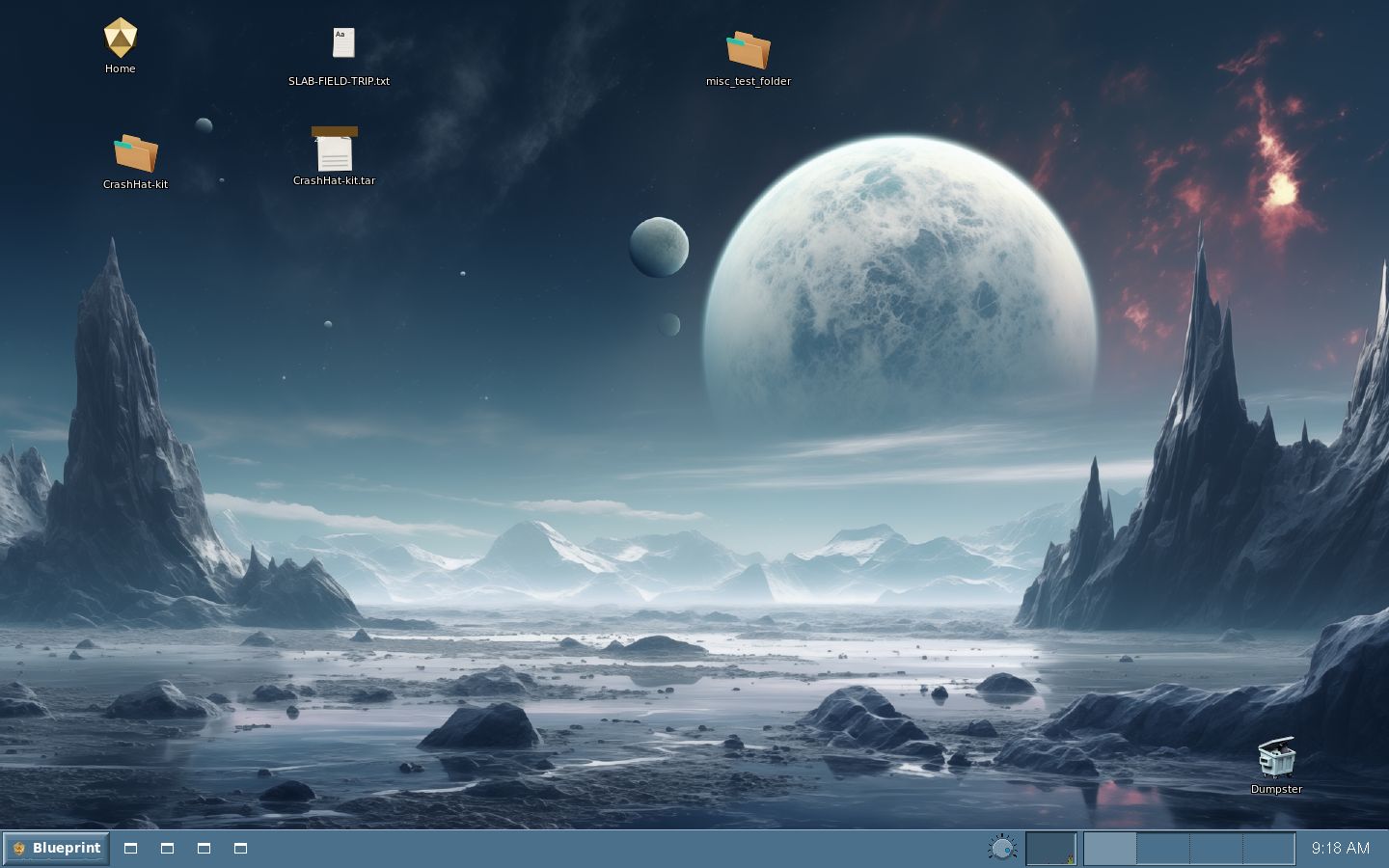
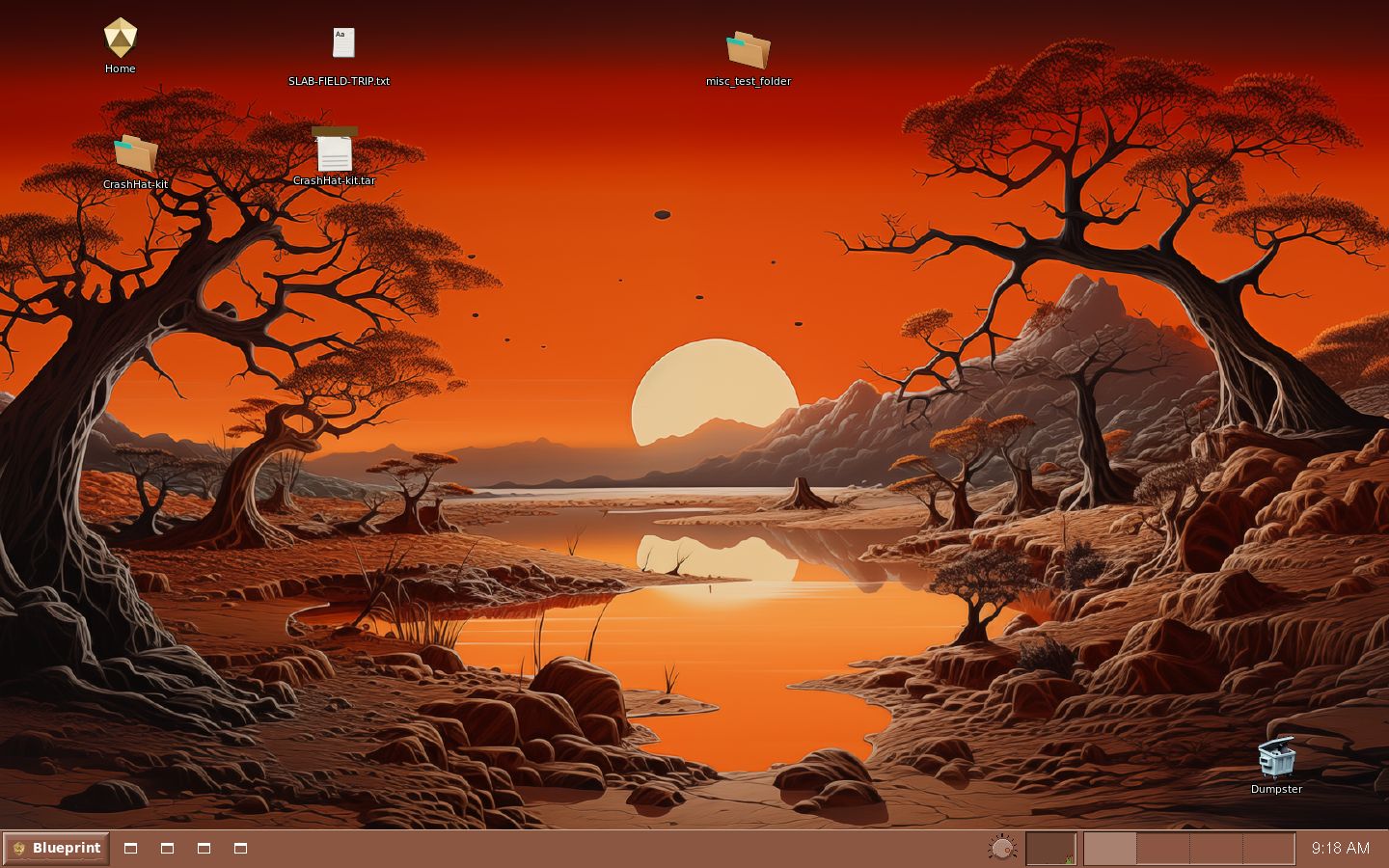
Apply does not paint inside the panel. The scheme goes to CySchemeD, which recolors the running programs. The picture is handed to cypix, and the filer backdrop is what actually owns the root window on a normal desk. The desks in the pictures after the panel are empty of extra windows, so the wallpaper and the frames are the subject. Icy Blue Mountains, with the house-in-green picture, is the default. The other four are Magenta Landscape, Sunset over Ocean Waves, Space and Planetary Scene, and Orange Landscape Scene.
The background panel. Apply hands the picture to cypix and the scheme to CySchemeD. The filer backdrop is what owns the root window.
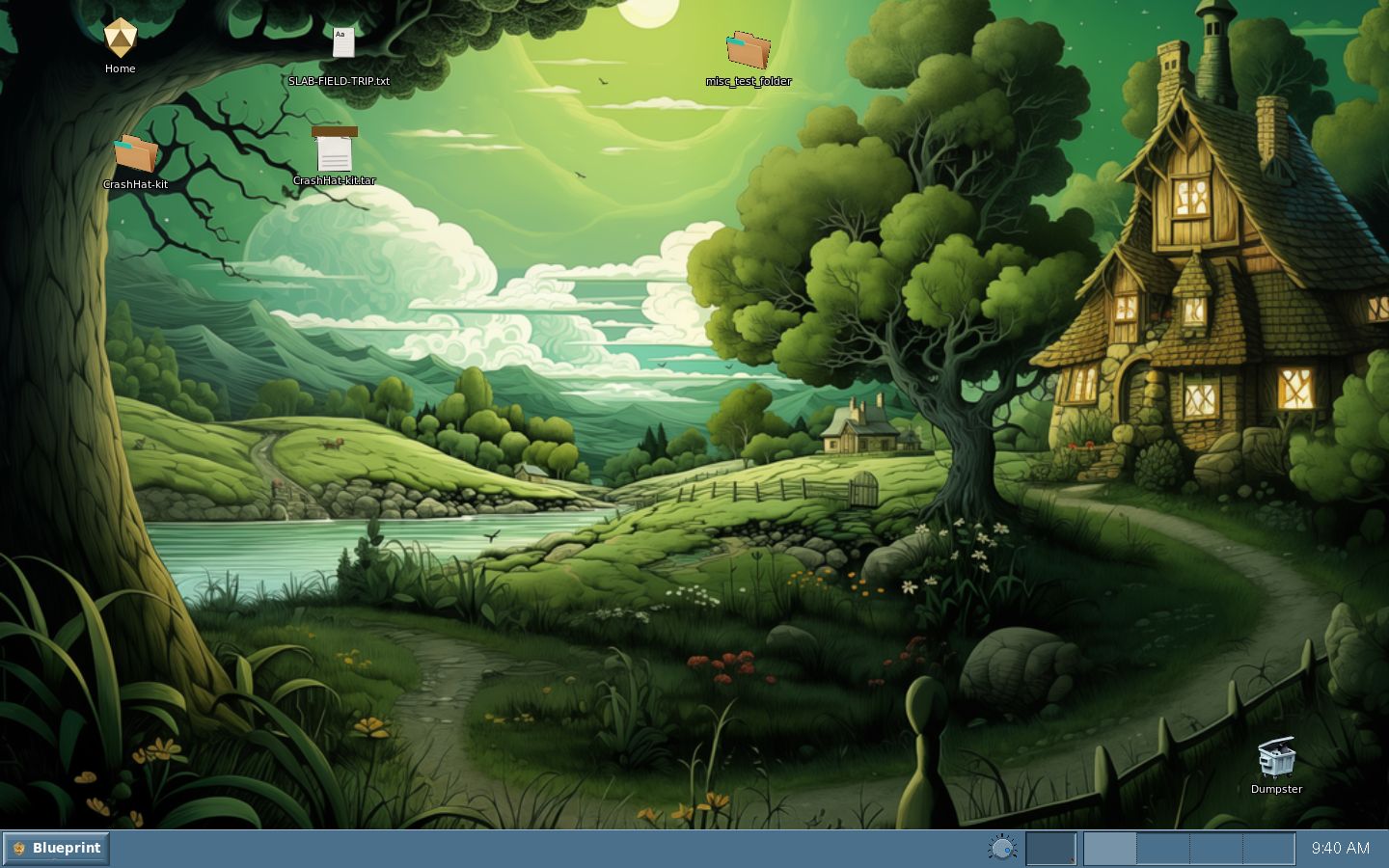
The session as it sits, with nothing else opened. The scheme is Icy Blue Mountains, the wallpaper is house-in-green, the desktop icons are up, and the toolchest runs along the bottom.
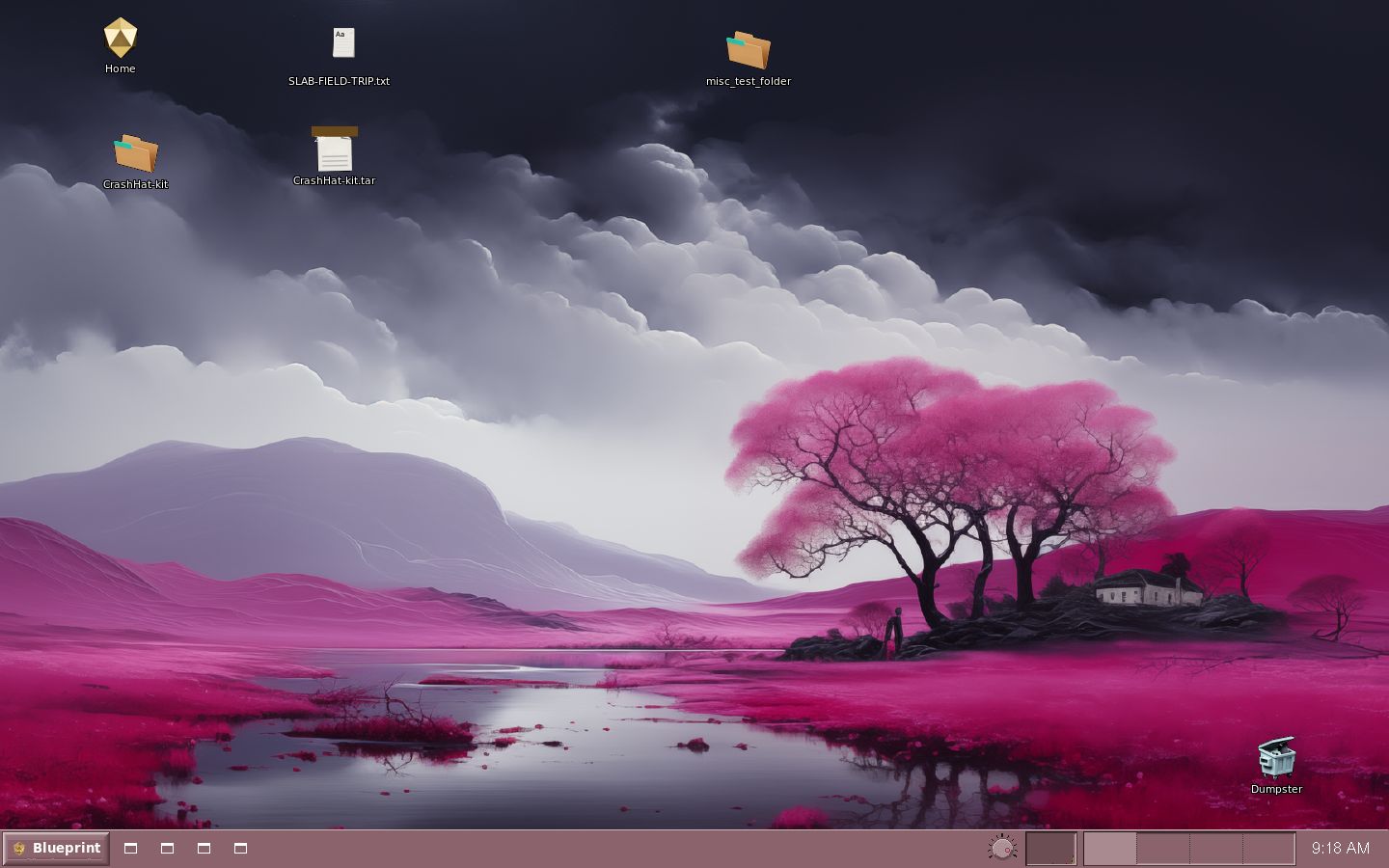
Magenta Landscape, with no extra windows. The wallpaper and the frames move together. The four outlines beside Blueprint are quick-launch wells, drawn as the generic window glyph.
Sunset over Ocean Waves. The wallpaper and the frames take that scheme together, with no extra windows open.
Space and Planetary Scene. Same desk, same rule: the picture and the frames change together.
Orange Landscape Scene. Same desk again, with the wallpaper and the frames on that scheme.
 Cyanotype Project. Blueprint Desktop. BSD 2-clause.
Not affiliated with Silicon Graphics. SGI, IRIX, and Indigo Magic
belong to their owners. 1.0 is aimed at 31 October 2026.
Cyanotype Project. Blueprint Desktop. BSD 2-clause.
Not affiliated with Silicon Graphics. SGI, IRIX, and Indigo Magic
belong to their owners. 1.0 is aimed at 31 October 2026.