
CYANOTYPE
BLUEPRINT DESKTOP
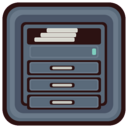
Toolchest
CyChest is the toolchest. It is the session's menu bar, and it is the clean-room counterpart of the IRIX toolchest. It has three faces, and a running chest can change among them without a logout. The canonical face is the vertical chest, which the config calls style chest: menus only, hung from the top corner, with no task buttons. That is the toolbar. The top bar and the bottom bar are the other two faces. Those carry the Blueprint menu, quick-launch wells, one button per open window, the volume knob, the CPU and memory graphs, the pager, the tray, and the clock. The session in these pictures uses the bottom bar. You switch faces with the style line in ~/.cyanotype/cychest.conf, then a reload. Toolchest Preferences does that reload for you. If a pins file was not present when the chest started, the chest reads it when the chest is replaced.
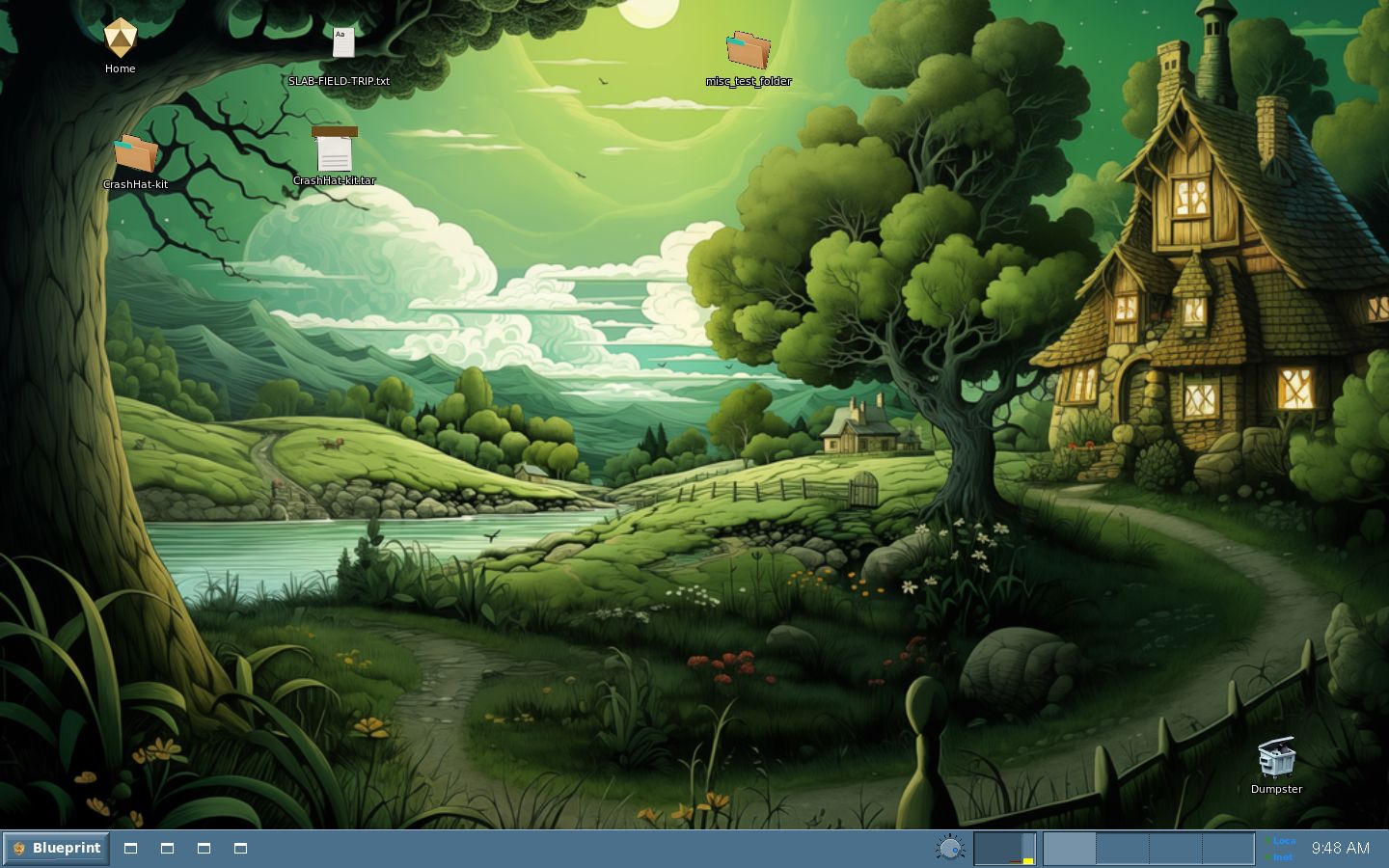
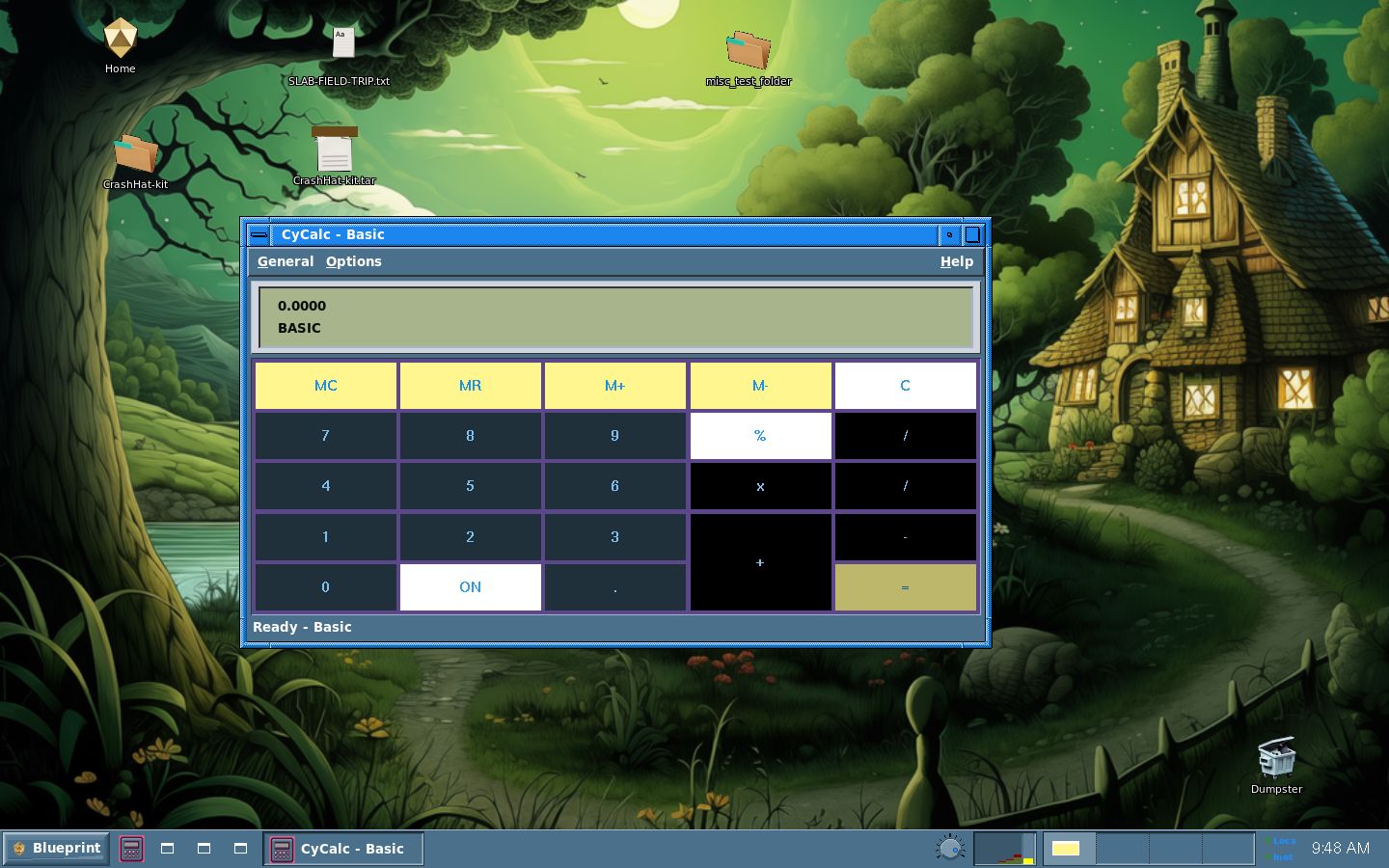
The first picture is the bottom bar on an otherwise empty desk. Four quick-launch wells sit just to the right of Blueprint. On this build, an idle well draws a generic window glyph, a small white frame, rather than the program's own icon. The second picture has CyCalc open. That well, and the task button for the calculator, both take the calculator icon. The other three wells stay glyphs. The close-up is the right end of the same bar: the volume knob, the CPU history, the memory strip (yellow along the bottom means memory in use), the four-cell pager, and the tray lamps Loca and Inet from CyTinyMon.
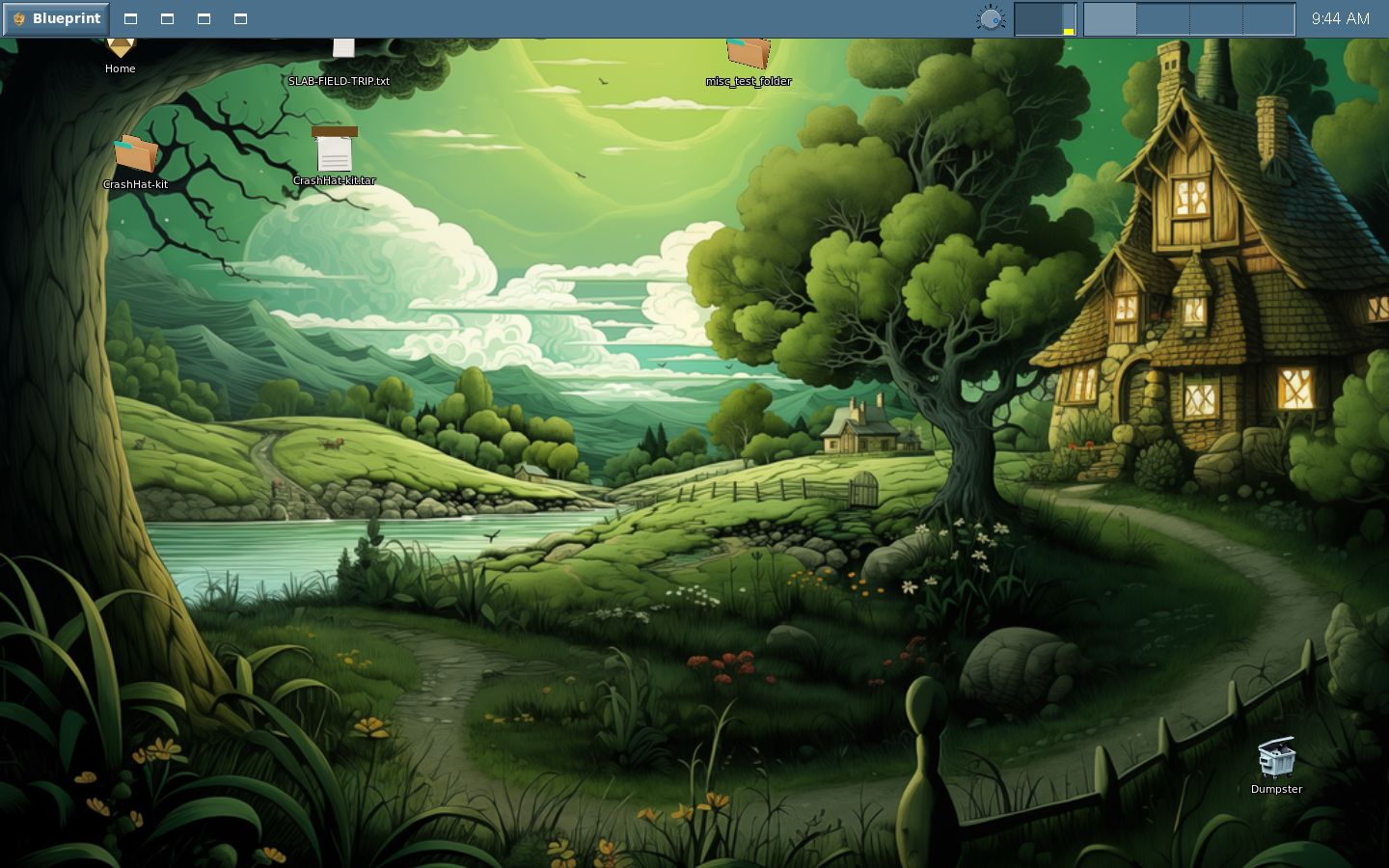
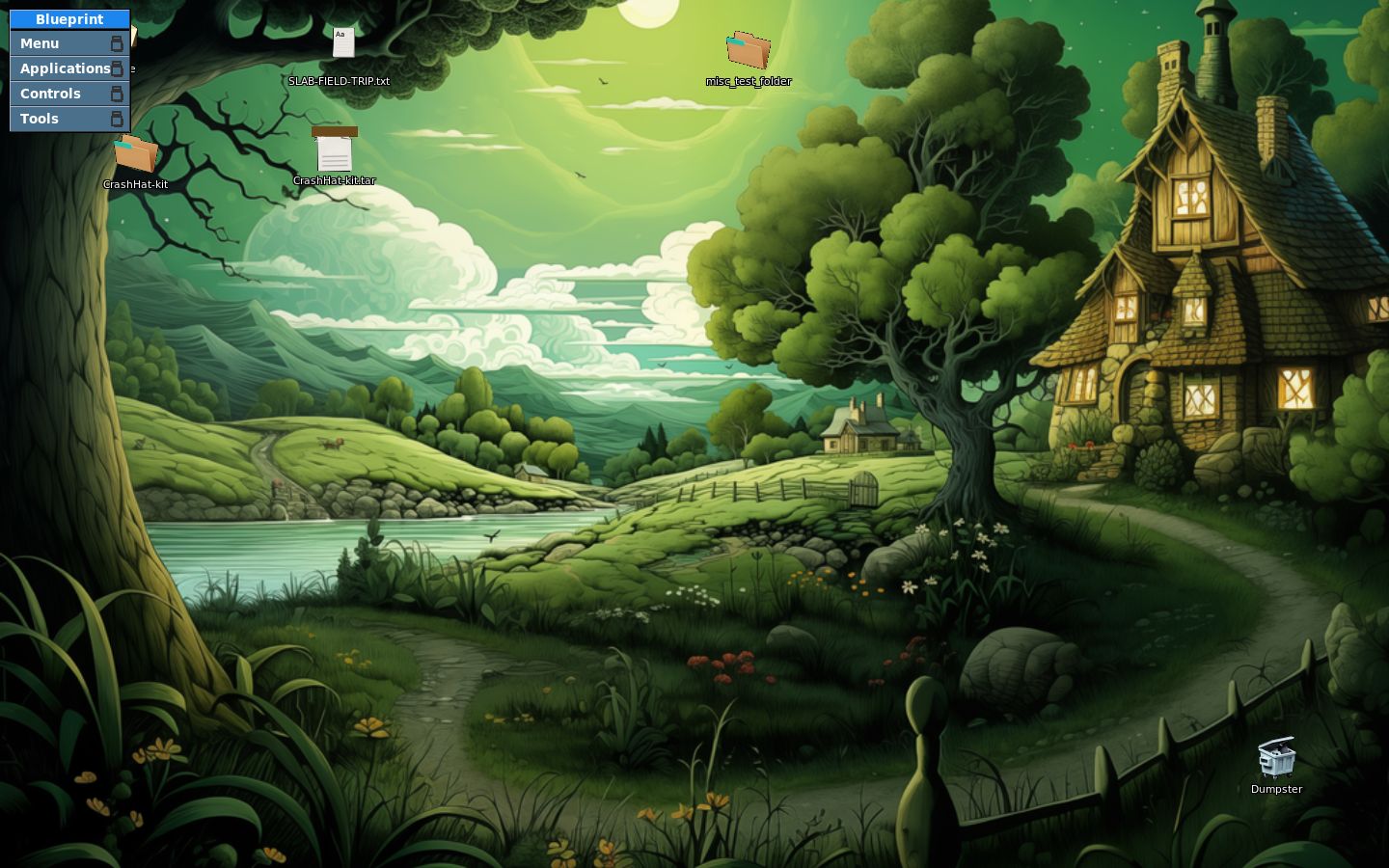
The top bar is that same furniture, moved to the top of the screen. Tiling stops above a bottom bar and below a top bar, and it steps aside for the vertical chest. That reserved strip is the desktop exclusion zone. Auto-adapt was off when these pictures were taken, so the face was not measuring itself, but it still reserved its strip and CyWM honored that reservation. A fullscreen window still covers the strip. Tiling and maximize do not. The vertical chest is menus only. Its picture has the Blueprint menu posted, with Menu, Applications, Controls, and Tools. Menus come from ~/.cyanotype/menu, the same Fluxbox-grammar file the root menu uses. A running chest reads that file again when Toolchest Preferences asks, or when you run cychest --reload. Task buttons exist only on the top bar and the bottom bar.
The bottom bar, with no other window open. Four quick-launch wells sit beside Blueprint. While they are idle, they draw the generic window glyph.
CyCalc, open at its own size. Its quick-launch well and its task button both show the calculator icon. The other wells stay glyphs.
The top bar. The menu and the clock sit along the top edge of the screen.
The vertical toolchest, style chest, which is menus only. The Blueprint menu is posted: Menu, Applications, Controls, and Tools.
The right end of the bottom bar: volume, CPU history, the memory strip (yellow along the bottom means memory in use), the pager, and the Loca and Inet tray lamps.

See also: Toolchest Preferences
 Cyanotype Project. Blueprint Desktop. BSD 2-clause.
Not affiliated with Silicon Graphics. SGI, IRIX, and Indigo Magic
belong to their owners. 1.0 is aimed at 31 October 2026.
Cyanotype Project. Blueprint Desktop. BSD 2-clause.
Not affiliated with Silicon Graphics. SGI, IRIX, and Indigo Magic
belong to their owners. 1.0 is aimed at 31 October 2026.